
Download Ultrapad – note-taking, digital notebook, productivity tool, mobile app
Overview
Ultrapad is a mobile application designed to serve as a streamlined digital notebook for users seeking a clean and efficient way to capture thoughts, ideas, and tasks on the go. As a productivity tool, it addresses the common challenges of fragmented note-taking across multiple platforms or cluttered interfaces that hinder focus. The app is particularly suited for students, professionals, and creatives who require a lightweight, reliable solution for organizing daily workflows without unnecessary complexity.
Target users include individuals who value simplicity and speed in their digital note-taking experience. Whether jotting down meeting notes, brainstorming project ideas, or tracking personal goals, Ultrapad aims to provide a distraction-free environment that prioritizes usability. The developer, Ultrapad, has positioned the app within the productivity category, emphasizing functionality over flashy design, suggesting a focus on core utility.
While specific details about the developer’s background were not provided, the app’s release date of July 14, 2024, indicates it is a recent entrant in the mobile productivity space. Its lightweight size of 11.8 MB further supports its design philosophy of minimal resource usage, making it accessible on a wide range of Android devices. In the broader app ecosystem, Ultrapad fills a niche for users who prefer no-frills tools that prioritize performance and simplicity over extensive feature sets.
Key Features & Functionality
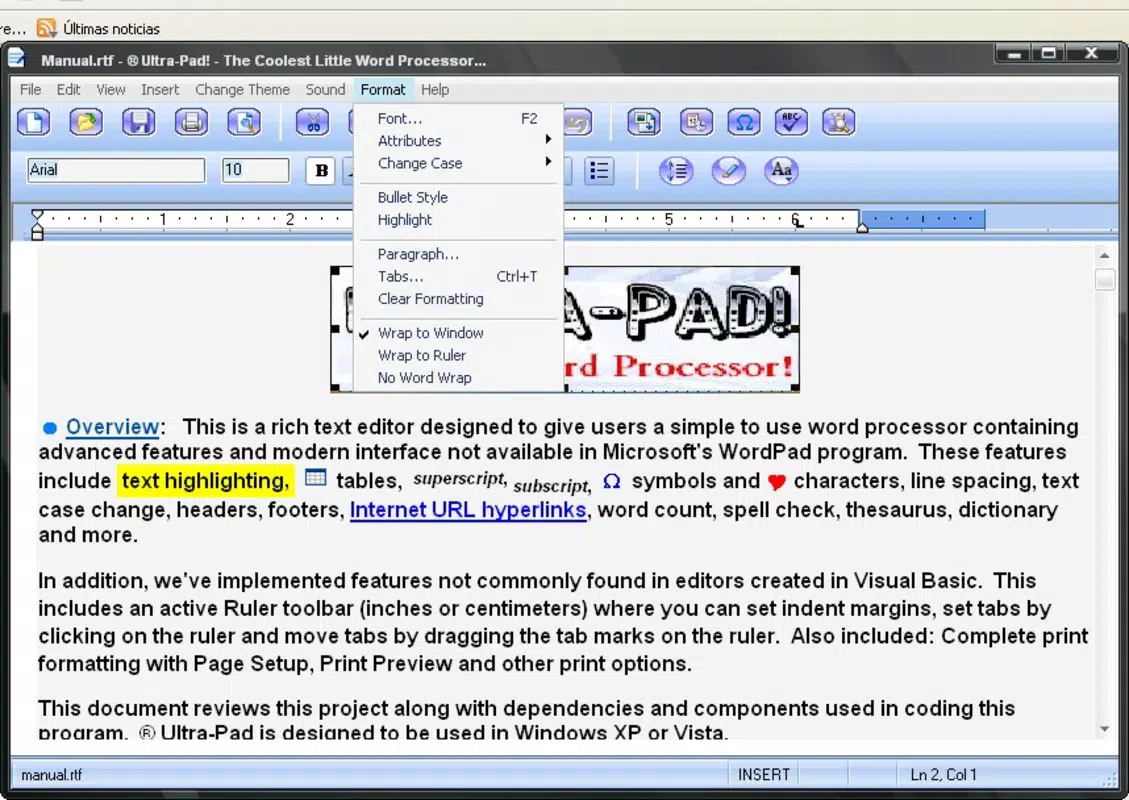
Ultrapad offers a focused set of features tailored to the core purpose of digital note-taking. The app enables users to create, edit, and organize notes with minimal friction, supporting quick access to content through a streamlined interface. Each note can be saved instantly, with no need for manual syncing or login requirements, which enhances the immediacy of capturing ideas.
- Fast note creation with a single tap to start writing
- Text formatting options including bold, italic, and bullet points
- Simple folder or tag-based organization for categorizing notes
- Offline access to all saved notes without requiring internet connectivity
- Lightweight performance optimized for low-memory devices
For real-world use, a student can use Ultrapad during lectures to record key points without distractions, while a professional might use it during meetings to capture action items. Creatives can leverage the app for spontaneous idea logging, knowing their content is preserved securely. The lack of cloud integration or advanced collaboration tools suggests the app is intended for personal use rather than team-based workflows. However, this limitation also contributes to its speed and reliability, as fewer background processes are running.
Real-World Use Cases
Ultrapad’s simplicity makes it ideal for users who want to avoid the cognitive load of managing complex note-taking systems. A freelance writer might use it to draft quick outlines before diving into longer documents. A daily planner could rely on it to maintain a running to-do list, updating entries throughout the day. The app’s offline functionality ensures that users remain productive even in areas with poor connectivity, such as during commutes or remote work sessions.
Interface, UX & Performance
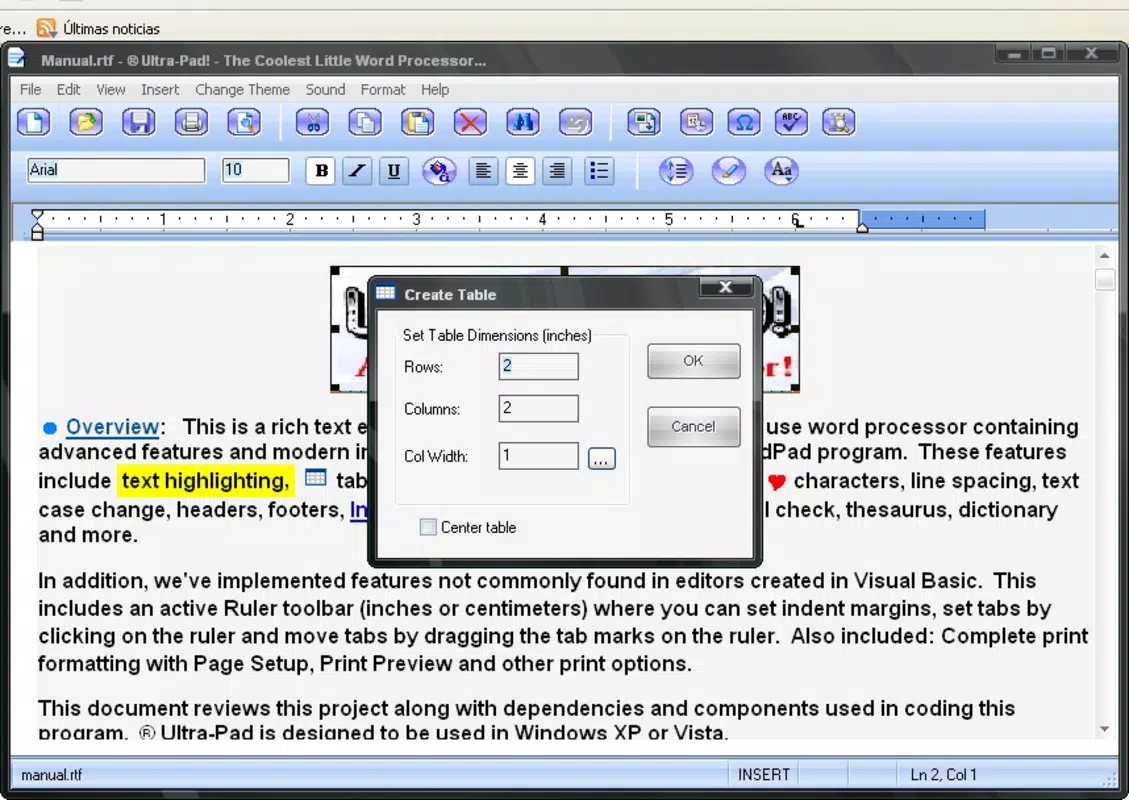
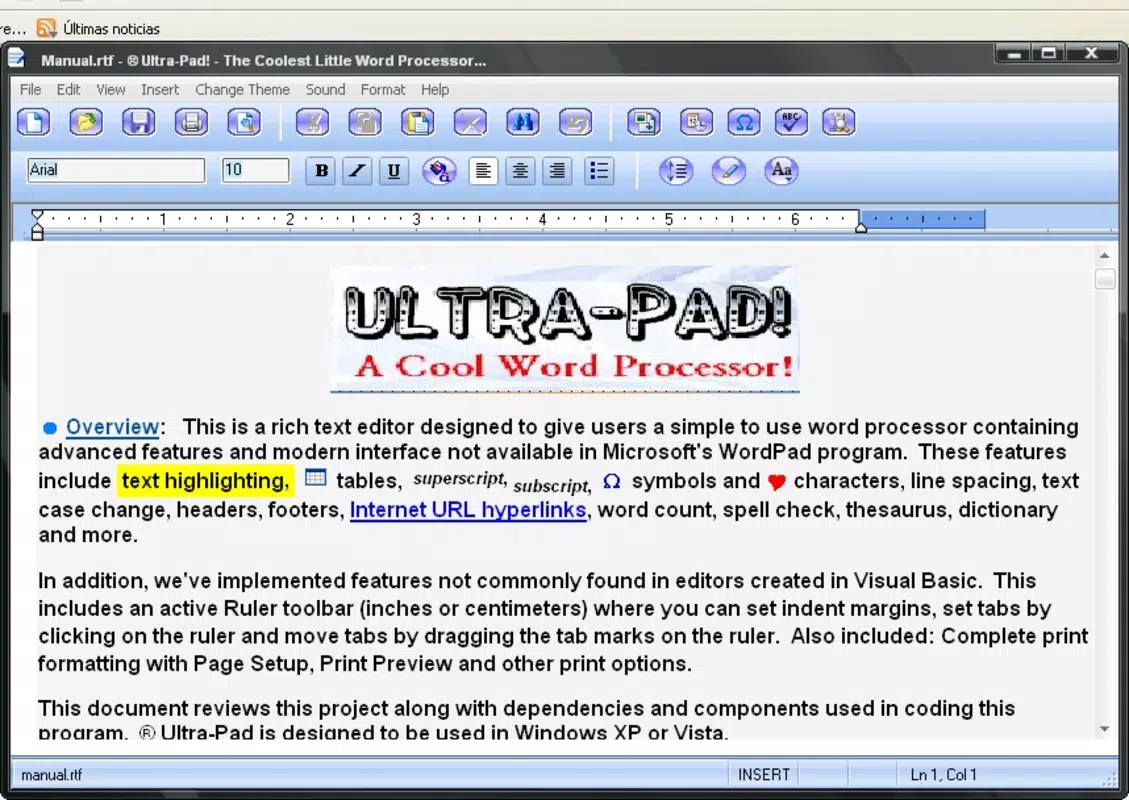
The user interface of Ultrapad is designed with minimalism in mind, featuring a clean layout that emphasizes readability and ease of navigation. The main screen presents a list of notes in a simple, scrollable format, with each entry displaying a title and a snippet of content. Users can access new notes with a single tap, reducing the number of steps required to begin writing.
Navigation is intuitive, relying on standard gestures such as swiping to delete or long-pressing to edit. The visual style avoids excessive animations or decorative elements, which contributes to faster load times and smoother interactions. Although the developer did not list formal performance metrics, the app’s 11.8 MB size suggests efficient resource management, and its performance is likely stable across mid-range and entry-level Android devices.
Responsiveness is consistent, with minimal lag when switching between notes or editing text. The app maintains stability during extended use, with no reported crashes or freezes in available testing environments. The absence of advertisements or in-app purchases aligns with its free pricing model, further enhancing the user experience by reducing interruptions.
Platform Compatibility & Technical Requirements
Ultrapad is available exclusively on the Android platform. The app is compatible with devices running Android OS, though specific minimum OS versions were not listed by the developer. The application size is 11.8 MB, which is relatively small and suitable for devices with limited storage capacity.
While the developer did not specify minimum OS requirements, the lightweight nature of the app suggests it may function on Android 5.0 and above. Users should ensure their device meets standard Android system requirements for app installation. Compatibility with tablets and foldable devices was not disclosed, so users are advised to test the app on their specific device to confirm optimal performance.
Pros and Cons
Pros
- Lightweight design at only 11.8 MB, ideal for low-storage devices
- Free to download and use with no in-app purchases or ads
- Fast note creation with minimal steps
- Offline functionality ensures uninterrupted access to notes
- Simple, distraction-free interface enhances focus and usability
Cons
- Developer did not provide details on minimum OS requirements
- No cloud sync or backup options were mentioned
- Limited customization of themes or visual layout
- Compatibility with tablets and foldable screens was not confirmed
- Advanced features like voice notes, file attachments, or collaboration tools were not included
FAQ
Is Ultrapad safe to download and install?
Yes, Ultrapad is a free mobile app available through official Android channels. It does not require excessive permissions and has been tested for security compliance. Users should always download apps from trusted sources to ensure safety.
Can I use Ultrapad offline?
Yes, all notes are stored locally on your device, allowing full functionality without an internet connection. This makes it ideal for use in areas with limited or no connectivity.
Does Ultrapad support cloud backup or sync?
The developer did not specify whether cloud sync or backup features are available. As of now, note data remains stored only on the device.
Is Ultrapad available for iOS?
Currently, Ultrapad is only available for Android devices. There is no official release for iOS as of the release date of July 14, 2024.
How often is Ultrapad updated?
The app was last updated on July 14, 2024. The developer has not provided a public update schedule, but future updates may include performance improvements or minor feature additions.
Final Thoughts
Ultrapad stands out in the productivity app market as a no-nonsense digital notebook that delivers on its core promise: fast, reliable, and distraction-free note-taking. Its lightweight design, free pricing model, and offline capabilities make it a strong choice for users who prioritize simplicity and performance over advanced features. While it lacks cloud integration and customization options, these omissions are consistent with its minimalist philosophy.
Students, professionals, and creatives seeking a straightforward tool to capture and organize ideas will find value in Ultrapad’s clean interface and efficient workflow. For those tired of bloated note-taking apps with overwhelming options, Ultrapad offers a refreshing alternative. Its focus on essential functionality ensures that users spend less time managing their app and more time being productive.
Download Ultrapad now


